About inSSIDer
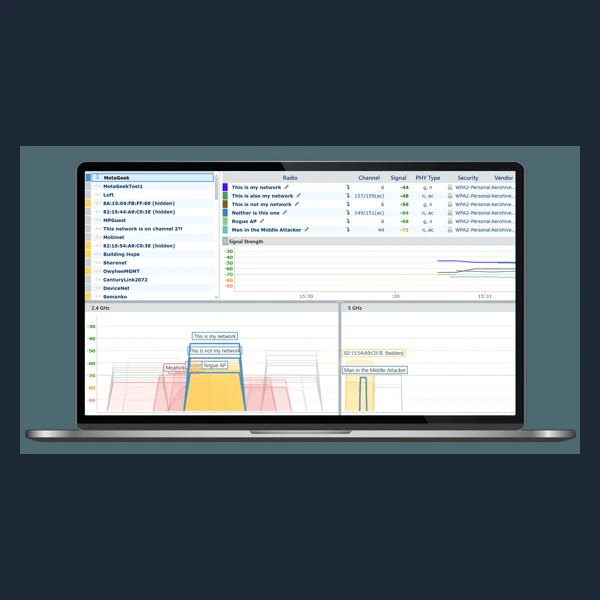
inSSIDer helps inspect nearby Wi-Fi networks, signal levels and crowded channels so you can diagnose a weak connection. The current owner Oscium lists the core scanner as free; advanced professional tools are separate products. A compatible wireless adapter is needed to read local networks.
For identifying the PC's components alongside a Wi-Fi investigation, use the hardware information in AIDA64 Extreme. It complements inSSIDer's view of nearby wireless networks with details about the computer itself.
Key features
- Nearby network scanning
- Channel and signal-strength views
- Connection troubleshooting
System requirements
Windows PC with a Wi-Fi adapter; verify current support with Oscium.
How to install
- Follow the developer's download instructions and save the installer.
- Open the installer and follow the setup steps. Review any license or subscription terms.
- Launch the program from the Start menu, Applications folder or app launcher.
Softmesa is an independent catalog and is not affiliated with the developer. Product names and logos belong to their owners. Always check the file source before installing.