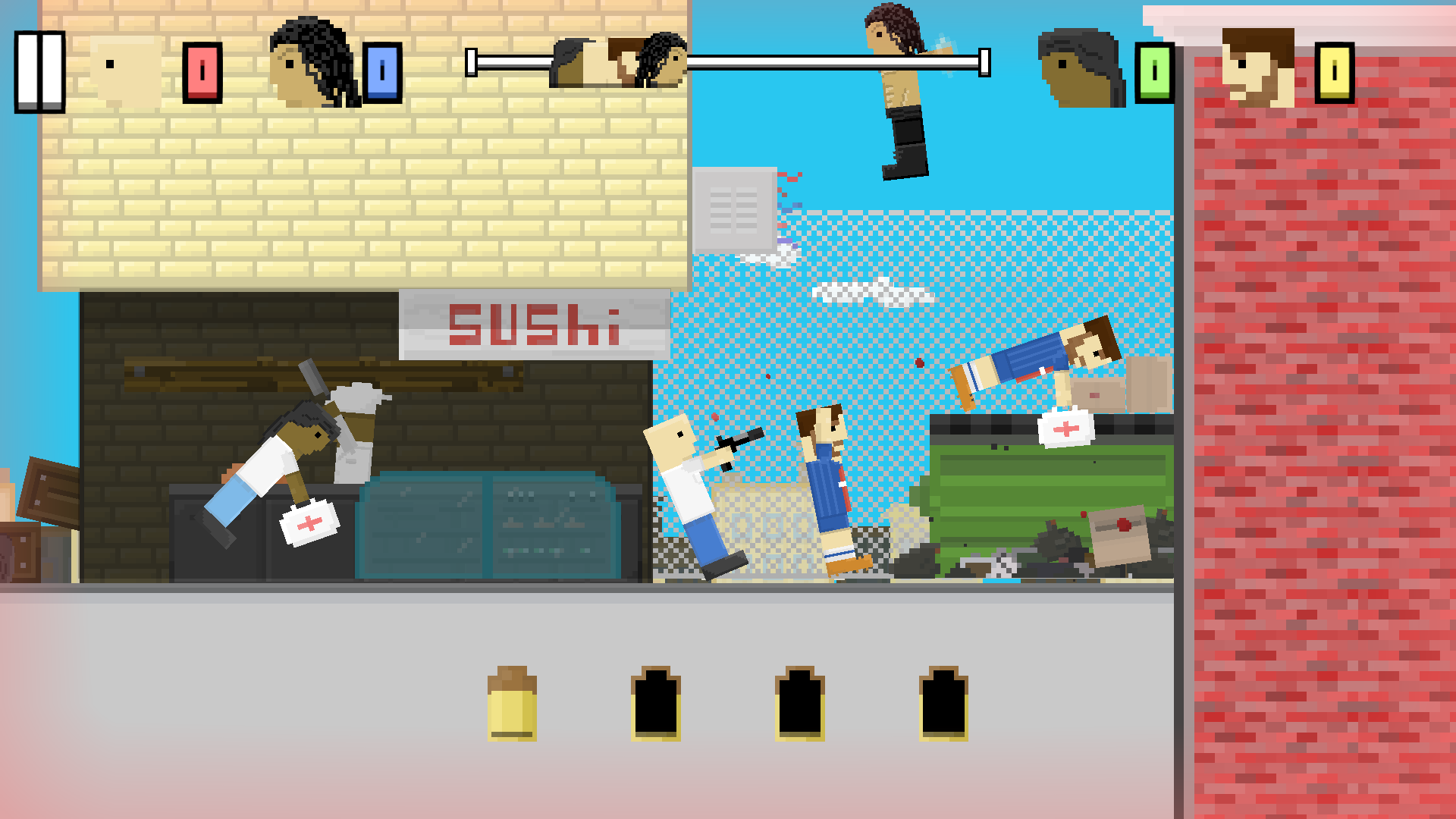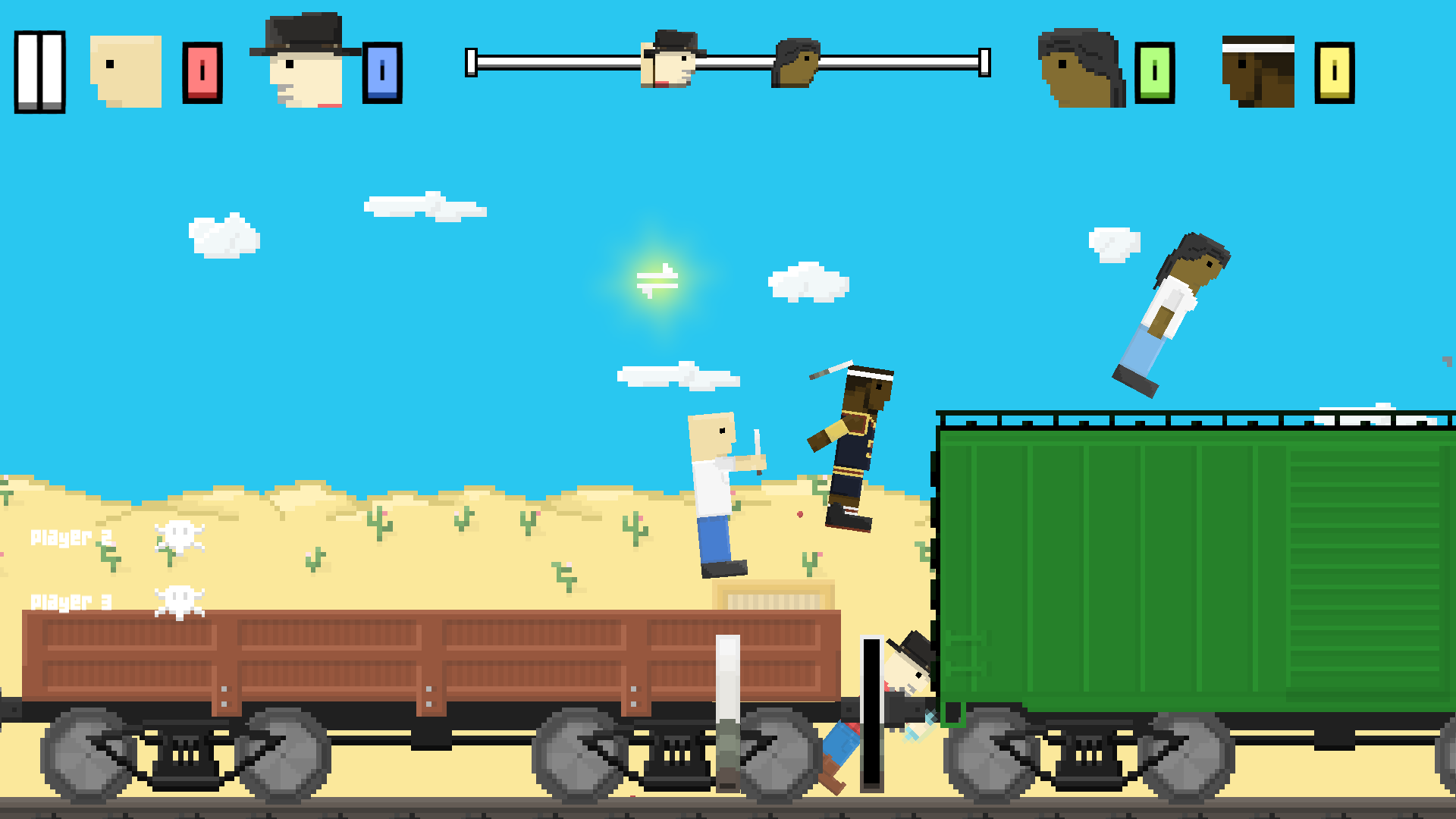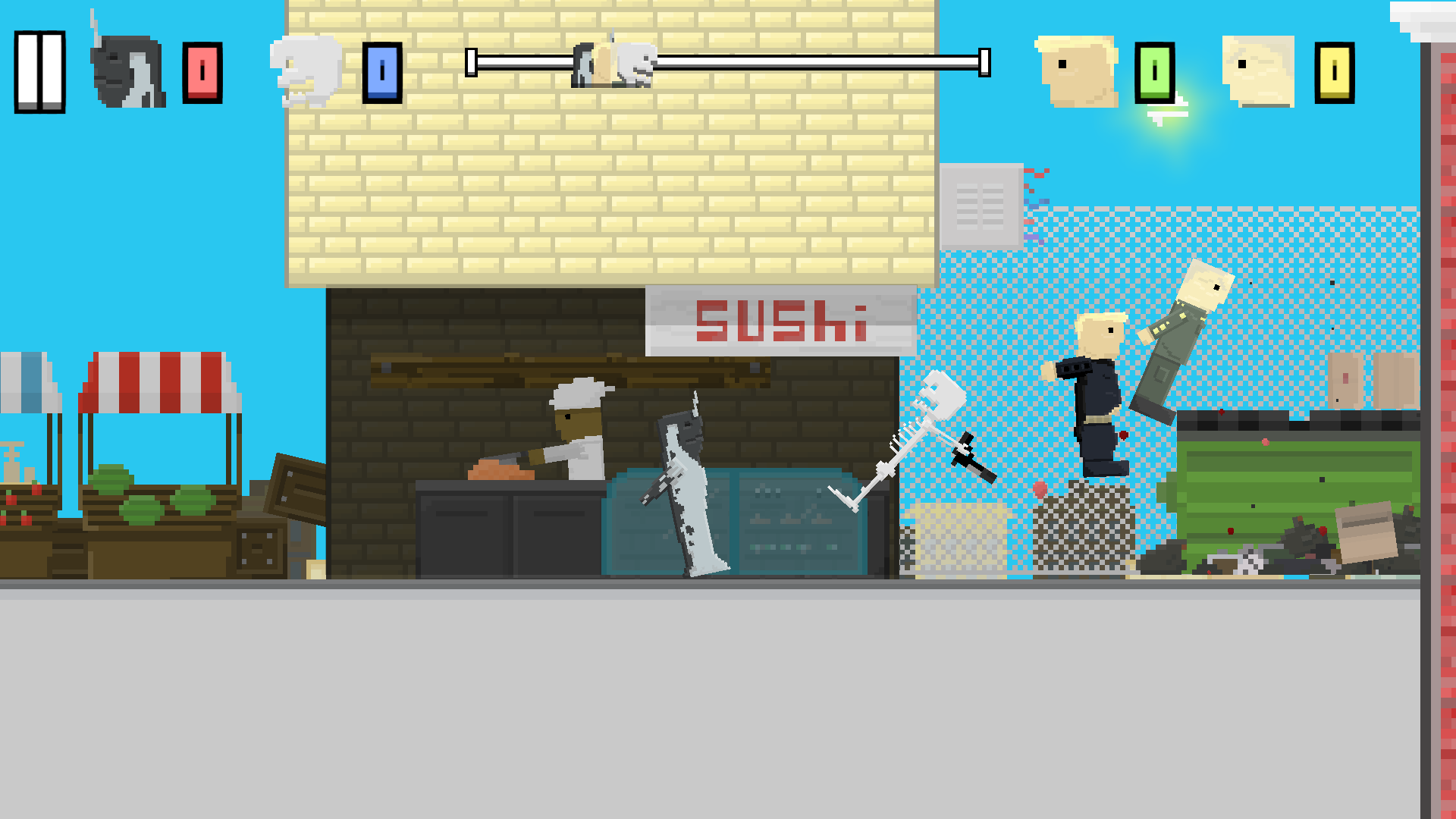
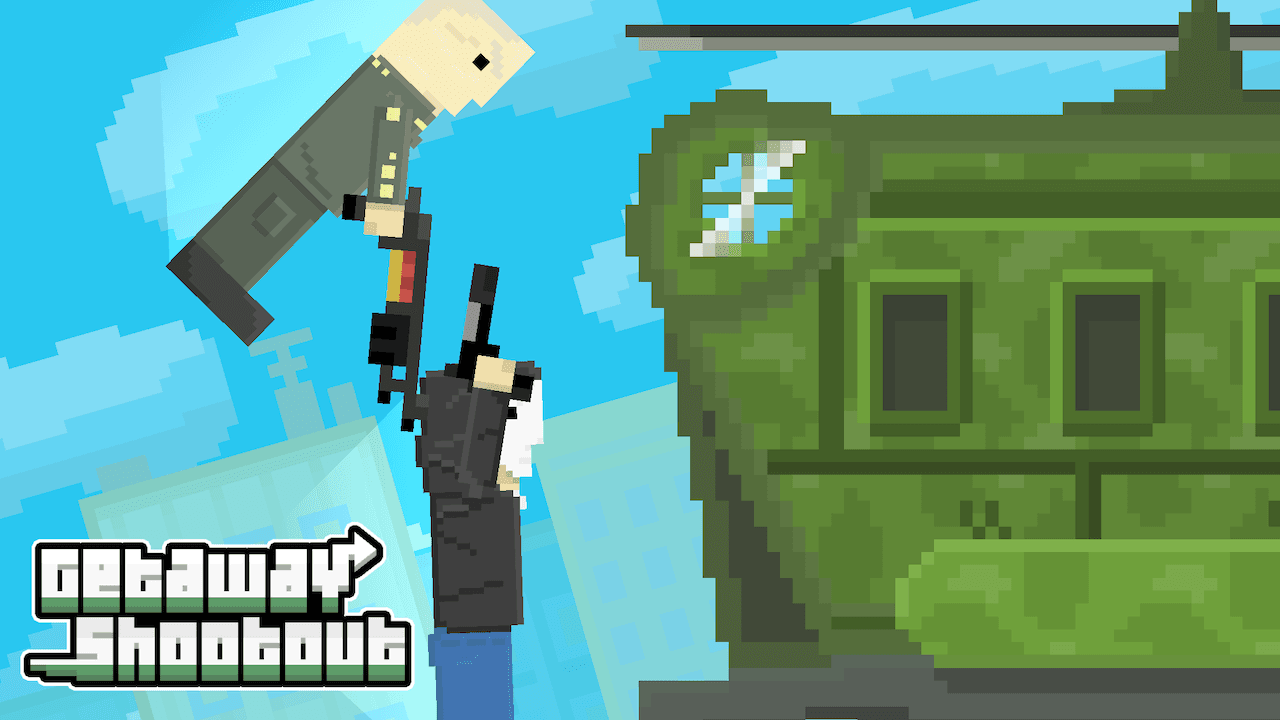
Getaway Shootout turns a race into a scramble: four characters try to reach the extraction point while obstacles and weapons disrupt their progress. Your immediate challenge is getting your own character across the course. Movement depends on left and right jumps, so reaching a nearby platform can demand more attention than shooting a rival. New Eich Games built the game around this compact combination of movement, competition and interference.
For Windows players, the verified way to play is the browser version available free on Poki. An official standalone Windows installer has not been verified. That distinction matters if you arrived looking to download Getaway Shootout: a browser session and an EXE installation are different products of distribution, and a file carrying the name does not establish an official PC edition.
Learn the jumps before chasing weapons
The characters’ lurching movement gives a small set of controls considerable room for mistakes. Treat the first runs as a chance to judge where each jump lands. Look at the next obstacle rather than pressing movement keys simply because a rival has moved ahead. Maintaining a clear route toward the finish is a better practice goal than collecting every item that appears.
Once movement feels predictable, pay attention to where opponents bunch together. A weapon is useful when it helps you keep or regain space. Stopping to pursue another player can also let someone else reach the getaway. This makes the race different from a score-based shooting arena: a good attack should serve your progress across the course, not become a reason to forget the destination.
Two players on one keyboard
You can compete against the computer or bring a friend into local two-player play. The shared keyboard gives each person a separate group of keys. Player one uses W to jump left, E to jump right and R to use the collected item or power-up. Player two uses I, O and P for the same respective actions. Agree on positions before starting so both players can reach their buttons comfortably.
This is a local rivalry on the same computer; the two-player description should not be mistaken for a promise of internet matchmaking. Try a few rounds with both people learning movement before focusing on attacks. Taking turns with the two key groups can also make a casual session fairer if one side of the keyboard feels more comfortable to a particular player.
Short races, obstacles and changing priorities
The appeal comes from repeatedly making small decisions under pressure: take a clear jump, detour toward an item or interfere with the competitor just ahead. There is no need to plan a long campaign to enjoy that loop. If you like races where pickups influence the result but want steering and kart tracks, SuperTuxKart offers a different form of competitive racing with items and a native Windows version.
Before playing, let the browser finish loading and make sure the game area has keyboard focus. If the controls seem unresponsive, check that typing is not going into the address bar or another field. The browser format alone does not guarantee smooth performance on every older PC; no official numeric Windows requirements are supplied here.
GetawayShootout, unblocked and a possible sequel
The joined spelling GetawayShootout refers to the same title. The phrase Getaway Shootout unblocked is commonly a label used by third-party pages, not a verified official edition or a guarantee of access through a restricted network. The game itself does not provide a network-unblocking feature.
An official Getaway Shootout 2 has not been confirmed in the checked developer catalog or Poki listing. The existing game already supports two players, which is a separate meaning of “2.” Use the original title and developer name to identify the game, and avoid assuming that a numbered search result proves a new release.