Choose the game that will run inside Luanti
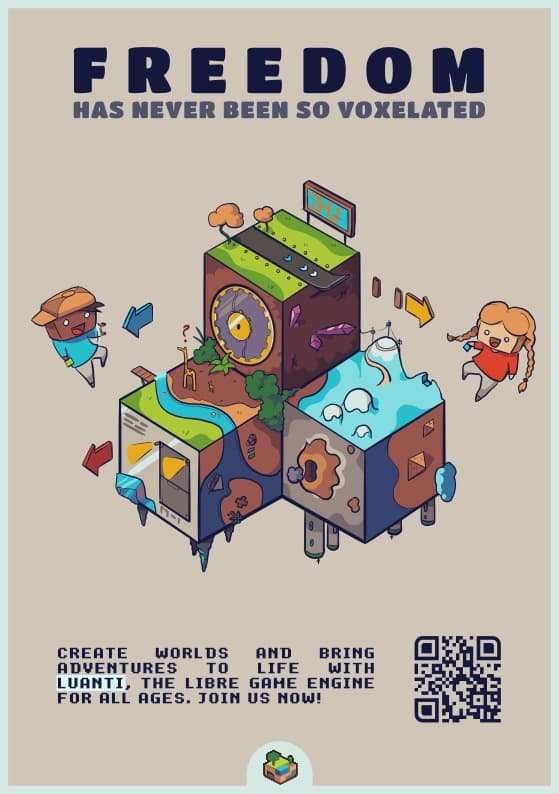
Luanti supplies the engine and client for different voxel games. Installing it is therefore the first step, rather than a promise of one fixed survival adventure. A game provides its own blocks, crafting rules and progression. The built-in content browser helps you find these packages, along with mods and texture packs. Read the description of a game before creating a world, especially if you expect particular creatures, recipes or objectives.
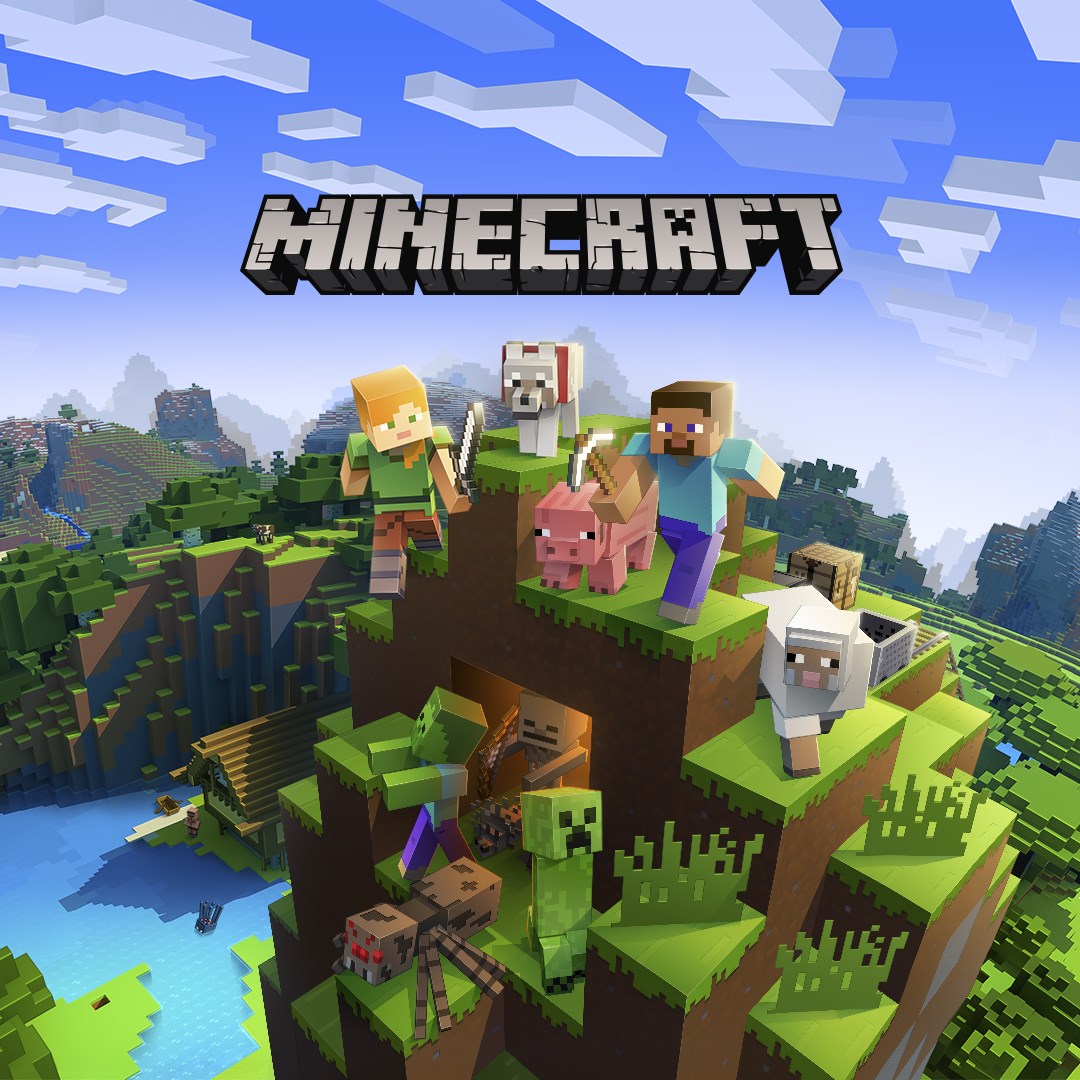
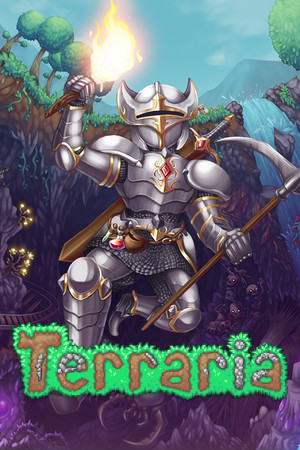
This distinction matters when comparing Luanti with Minecraft. Both can involve block-based landscapes, but Luanti is a platform whose available experiences depend on the game you choose. It does not supply a Minecraft licence or automatically load Minecraft worlds and add-ons. If you prefer a complete adventure presented from the side, Terraria offers a different approach to construction and exploration. Decide first whether you want a defined game or a platform you can configure.
Create a world with a clear purpose
After installing a game through the content browser, select it when creating your world. Give the world a recognisable name and review the available settings. A small test world is useful before committing to a large building project: it lets you examine movement, crafting and the game’s rules without putting important work at risk. Worlds belong to the games that define their content; changing the underlying game is not equivalent to choosing a different visual theme.
Keep a separate copy of a world before making substantial changes to its package set. A mod that adds blocks or items can leave dependencies in the saved world. Removing that mod later may affect what the world can load. Add a few compatible changes at a time and reopen the world after each step. This makes it easier to identify which addition caused a problem.
Mods, texture packs and online servers
Mods can alter behaviour or introduce content, while texture packs primarily change appearance. They serve different purposes and may have different compatibility requirements. Check the game and engine versions stated by a package, along with any required dependencies. Installing every interesting item at once can make an otherwise simple world difficult to maintain or move to another computer.
Multiplayer servers choose their own games, content and rules. A local world and a public server are therefore not necessarily the same experience. Read the server description and keep track of where you are playing. Internet access is needed for online sessions and fetching new packages; an installed local game can be used separately from a public server. Availability and activity vary between communities.
Windows packages and practical setup
The current published release is Luanti 5.17.0. The project lists Windows 8, 8.1, 10 and 11, with a recommended 64-bit installer and portable packages for 64-bit and 32-bit systems. For a portable installation, extract the complete folder and launch luanti.exe from its bin directory. Copying only the executable leaves the rest of the installation behind.
Performance depends on the selected game, viewing distance and installed additions. Begin with a modest view distance and a simple world, then adjust settings while keeping the test conditions similar. When moving from portable use to an installed package, follow the project's data-migration guidance so that your worlds and personal content remain available. The engine download size is not the final size of a collection containing games, mods and saved worlds.