About Terraria
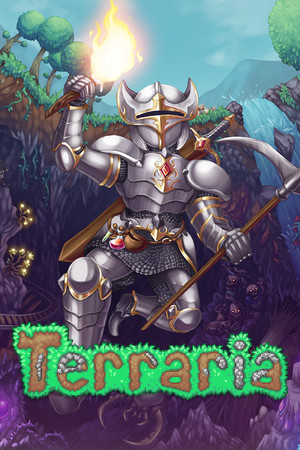
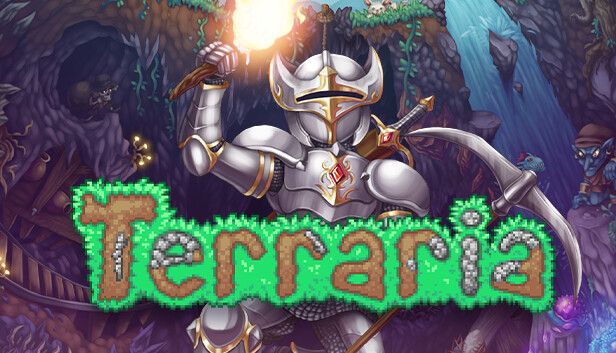
Terraria puts you in a side-view world that can be dug into and rebuilt block by block. You start with simple tools, search caves for materials, build a base and prepare equipment for increasingly difficult bosses. Its progression depends on exploration and combat as much as on building, so it feels different from a pure construction sandbox.
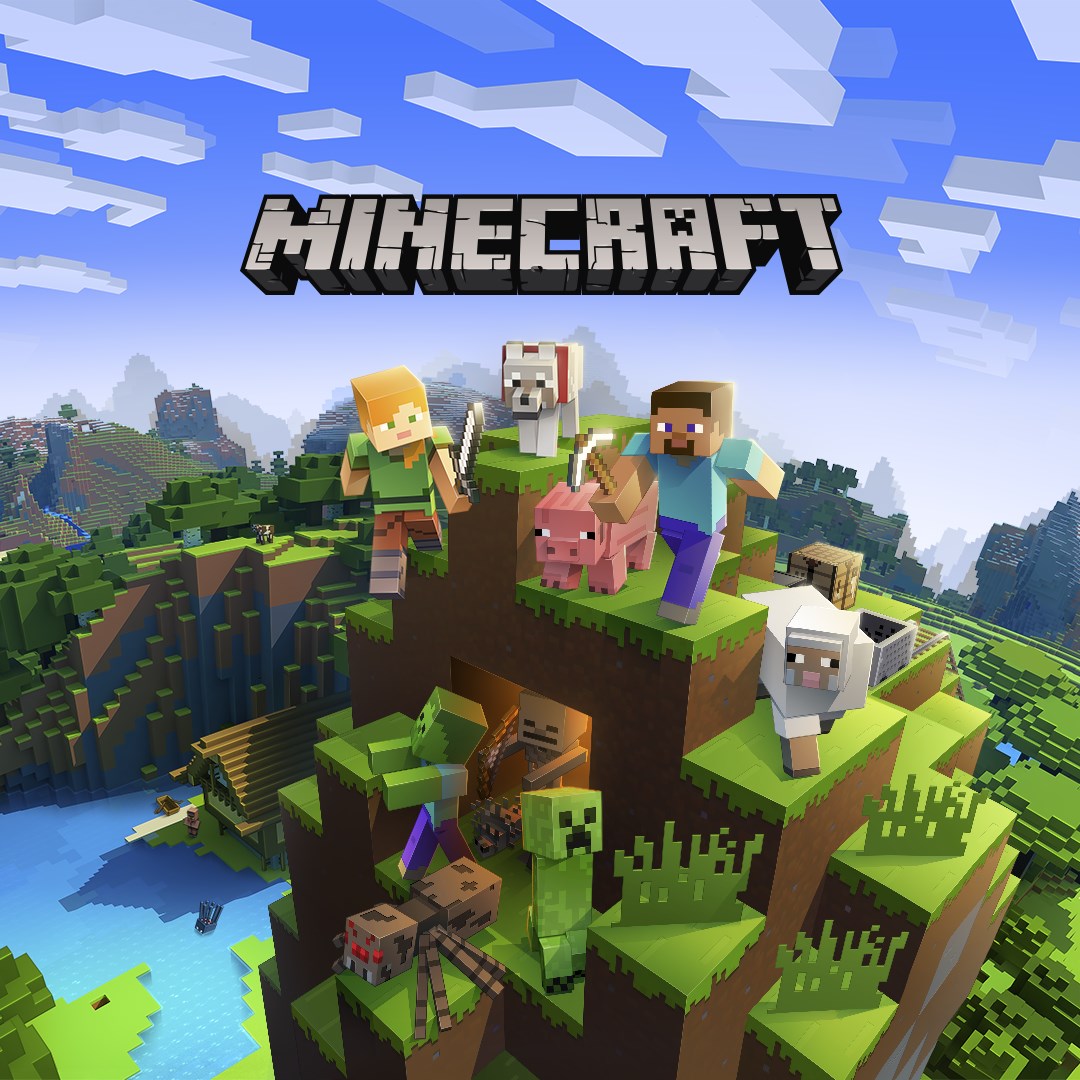
For building in three dimensions, compare Terraria with Minecraft. Its Creative mode suits large construction projects, while Survival keeps resource gathering and exploration; on PC, the choice of Java or Bedrock also determines which friends and servers you can join.
What to expect on PC
Terraria supports solo play and multiplayer. You can build a home for NPCs, explore different biomes and craft equipment from materials found underground. If you enjoy Minecraft's resource gathering but want a side-view game with more combat goals, this is a natural next choice.
Windows version and license
Terraria is a paid game. The Steam page lists older Windows versions in the game's historical requirements, while the current Steam client supports Windows 10 and newer. Check both the store client and your PC before purchasing; there is no download link on this page yet.
Key features
- Mining, crafting and base building
- Biomes, equipment progression and boss fights
- Solo and multiplayer play
System requirements
For a current Steam install: Windows 10+; the game's listed minimum is a 2.0 GHz CPU, 2.5 GB RAM, 200 MB disk and Shader Model 2.0 graphics. Steam also lists macOS and Linux builds.
Questions and answers
Is Terraria free on Windows?
No. Terraria is sold as a paid PC game. This catalog does not offer a free full-game file.
Will Terraria run on a low-end PC?
Its listed game requirements are modest, but you must also meet the requirements of the store client and your operating system. Check CPU, memory and graphics before buying.
How is it different from Minecraft?
Terraria uses 2D side-view exploration and a long series of bosses and equipment upgrades. Minecraft centers on a 3D block world and offers Java and Bedrock editions.
How to install
- Check that your Windows version can run the current store client.
- After buying a licensed copy, install Terraria through the store library.
- Start a new world and choose single-player or multiplayer.
Softmesa is an independent catalog and is not affiliated with the developer. Product names and logos belong to their owners. Always check the file source before installing.