
About Roblox
Roblox is a platform containing many experiences made by different creators. After installing the player, you choose a world and join its activities: an obstacle course, a social space, a simulation or a building game. Rules and progression change between experiences, so treat each world as a separate choice rather than expecting one shared campaign.
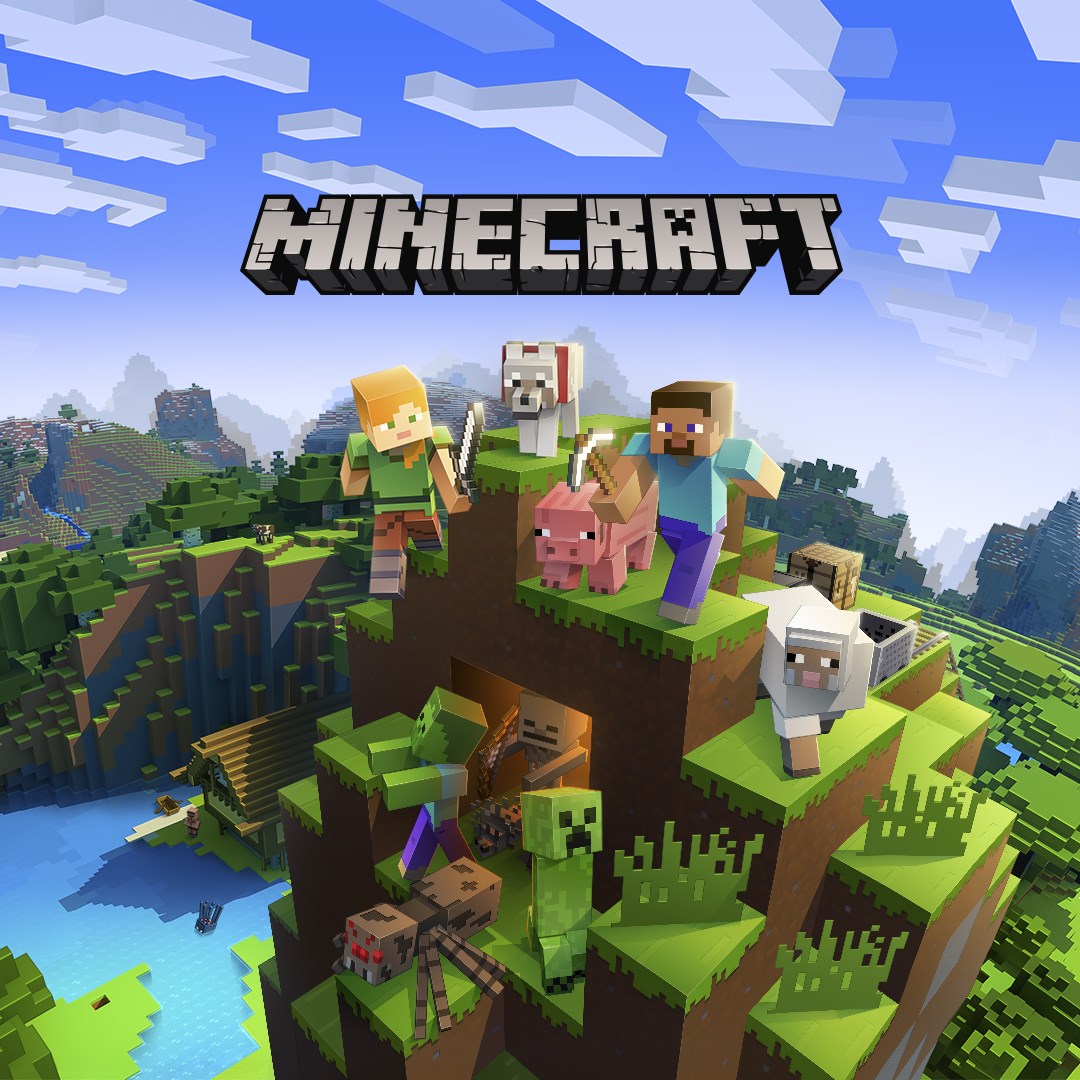
If you want one persistent world for gathering resources and building a base, compare Roblox's separate experiences with Minecraft. Minecraft centers on its own sandbox rules, while each Roblox creator defines the activities and progression of their world.
Roblox Player or Roblox Studio?
Player launches experiences created by other people. Studio is the separate creation tool for building and publishing your own projects. To join a friend's game, start with the player; installing Studio is not a requirement for ordinary play.
Performance, purchases and account settings
A simple obstacle course and a detailed 3D world can put very different loads on the same laptop. Start with modest graphics settings and test the experience you actually want to play. Review account privacy and spending settings; a free client does not make every item or experience free.
Key features
- Community-created experiences
- Obstacle courses, simulations and building worlds
- Friends and multiplayer sessions
- Account controls and avatar customization
System requirements
Windows 10/11, 64-bit, with DirectX 10 feature-level graphics support; Roblox also has a macOS client. Internet and an account are required. Hardware load depends on the experience you join.
How to install
- Check Windows compatibility and sign in to your Roblox account.
- Install the Roblox player and launch an experience from the app or website.
- Review privacy settings and adjust graphics for the selected world.