

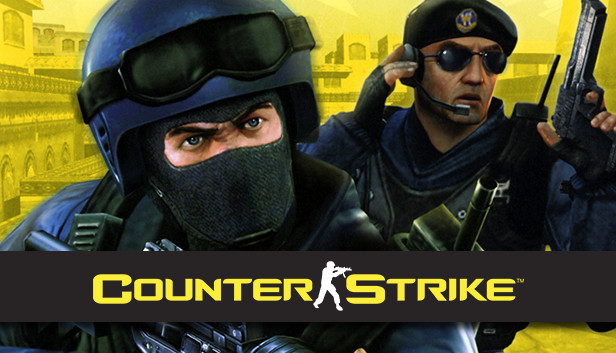
About Counter-Strike 1.6
Counter-Strike 1.6 is the classic version of the series, listed simply as Counter-Strike on Steam. Teams compete in rounds built around map objectives, positioning and managing money between purchases. It suits players who want the familiar movement and shooting of the original game, or who already have friends playing on a particular 1.6 server.
If you want structured practice with bots alongside the classic style, compare 1.6 with Condition Zero. Its Tour of Duty adds challenges, and Deleted Scenes offers a separate set of scripted solo missions.
Choosing a server
Check the game version, map rotation, region and server rules before joining. Custom modes can change the normal round structure. A CS2 or Source server will not accept a 1.6 client, even when it runs a map with a familiar name.
CS 1.6 on a modest PC
The old engine asks much less of graphics hardware than CS2. Still, evaluate the whole setup: the Steam client, Windows, drivers and any server modifications. Historical minimum specifications are not a promise that the current installation will run on a machine from that era.
Key features
- Classic round-based team play
- Weapon purchases between rounds
- Community maps and servers
System requirements
For installation through Steam, use a Windows version supported by the current client. The original game lists a 500 MHz CPU, 96 MB RAM and a 16 MB graphics card; these historical figures do not include the requirements of modern Windows and Steam.
Questions and answers
Is Counter-Strike on Steam the 1.6 game?
Yes. This page describes the classic Counter-Strike product, not Source, Global Offensive or Counter-Strike 2.
Does free CS2 include a CS 1.6 license?
No. They are separate products with different licensing and servers.
How to install
- Check Windows and current Steam compatibility.
- Install Counter-Strike from the Steam account that owns it.
- Set your controls, then choose a compatible 1.6 server.
Softmesa is an independent catalog and is not affiliated with the developer. Product names and logos belong to their owners. Always check the file source before installing.


