What you get when you open EmuOS
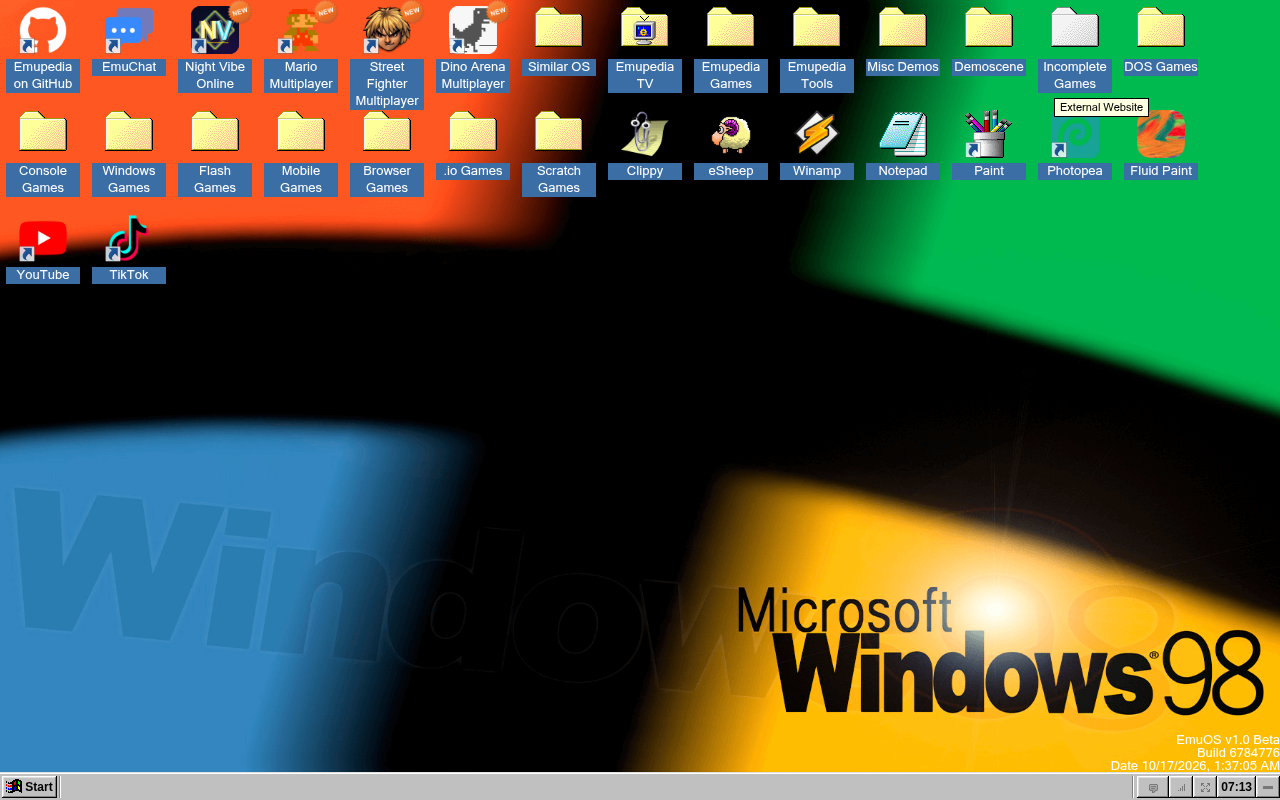
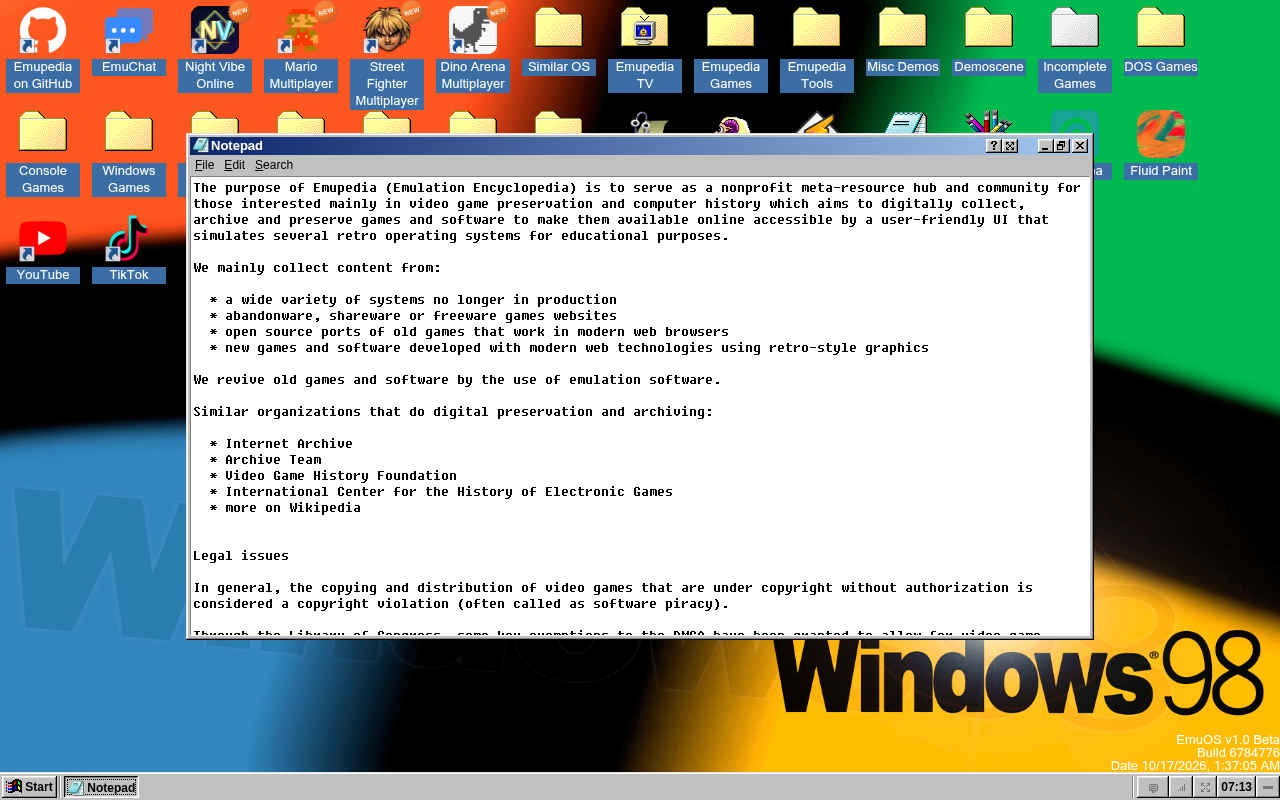
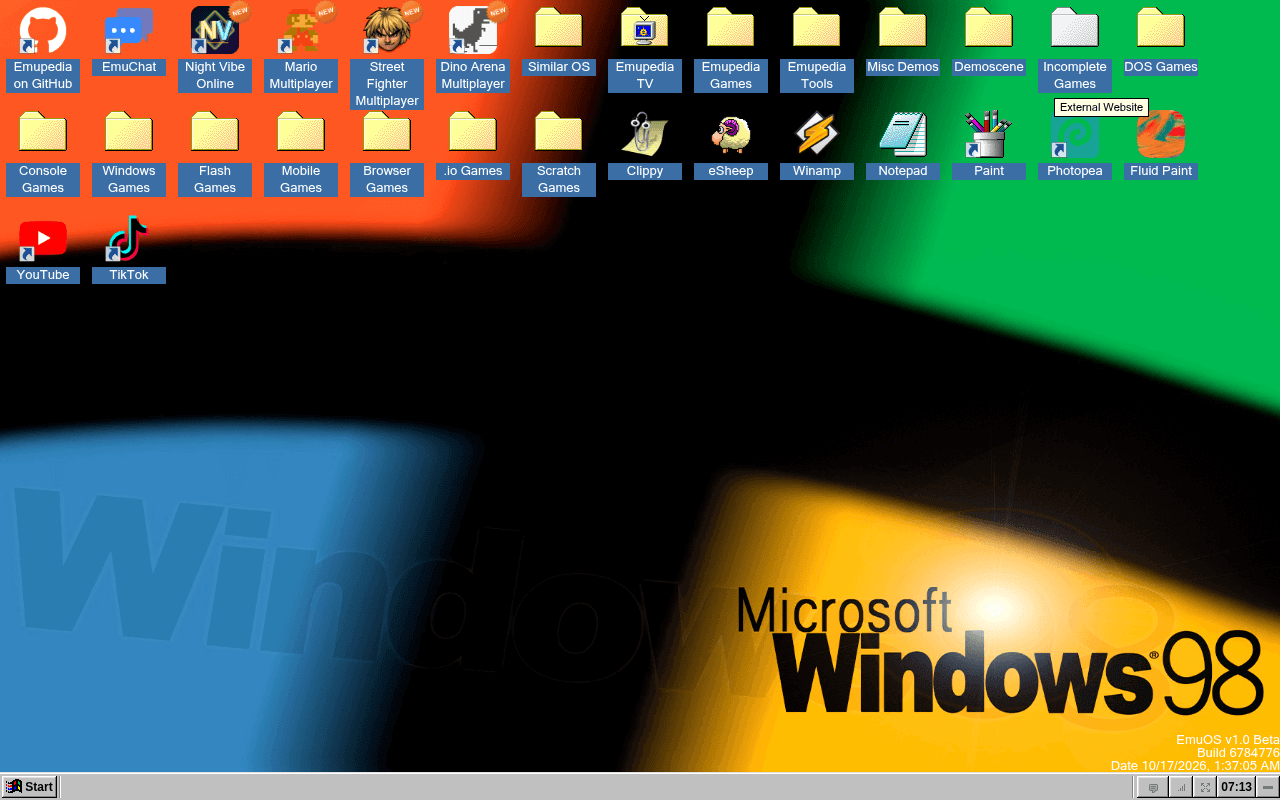
EmuOS is the desktop-style frontend used by Emupedia, a project concerned with preserving games and computer history. Its familiar windows, icons and taskbar provide a way to explore software through a modern browser. You are visiting a web environment, rather than installing an old copy of Windows on your PC. That distinction matters if you arrived looking for an EmuOS download: a normal visit does not require a dedicated Windows setup program.
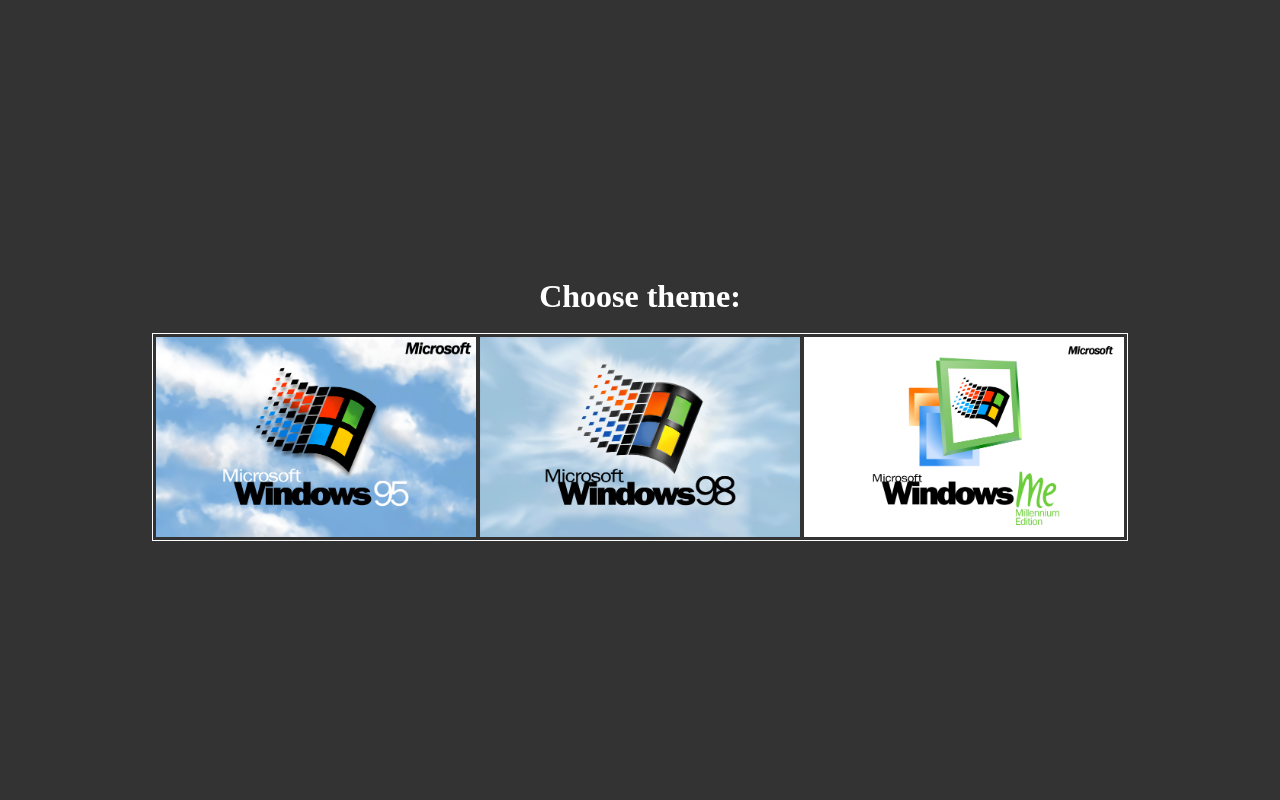
The starting screen offers visual themes inspired by Windows 95, Windows 98 and Windows Me. Choose the appearance you prefer and let the desktop load. The theme recreates a style of interaction; it does not change the version of Windows on your computer or give every old Windows application a compatible place to run. Content inside the desktop uses the technologies chosen by each individual project.
Start with a browser and one application
Open the official Emupedia address using an up-to-date browser such as Mozilla Firefox. JavaScript must be available for the interactive desktop. A keyboard and mouse are useful because many interfaces and games were designed around desktop controls. On a small screen, adjust the browser zoom cautiously so that windows and important buttons remain readable.
After choosing a theme, open one item and allow it to finish loading before starting others. A lightweight utility and a more demanding game can place very different loads on the same PC. The retro appearance does not mean that everything will run well on limited hardware. Close unnecessary tabs when trying to distinguish a busy browser from a problem affecting the selected application.
Understand the limits of the desktop
EmuOS should not be treated as a universal EXE installer, a replacement operating system or a way to install modern Windows programs inside a web page. It presents the projects integrated into the environment. If a particular game requires additional data or has special instructions, follow the guidance for that project rather than assuming every desktop icon behaves identically.
Saving also depends on the application. Do not assume that a saved session will follow you to another browser or computer. Check the selected application's own save and export controls before closing it, especially if you have spent time on a game or created a document. Clearing site data or using a temporary browser profile can affect information stored locally by web applications.
When the page does not behave as expected
If the desktop appears but one item fails, note which item is affected. If nothing loads, check the connection and whether extensions are blocking scripts or resources. Comparing the same page in Google Chrome can help distinguish a browser-specific problem from an unavailable resource. There is no need to install unrelated codecs or Windows drivers simply because a web icon does not open.
The project includes content from different authors and with different licenses. Free access to the desktop is not permission to redistribute every included game or its data files. Emupedia's frontend source also carries its own conditions. Use EmuOS for the experience it offers in the browser, and check individual project documentation when you need local installation, dependable offline operation or a reusable copy of specific software.